By Jordan Vale
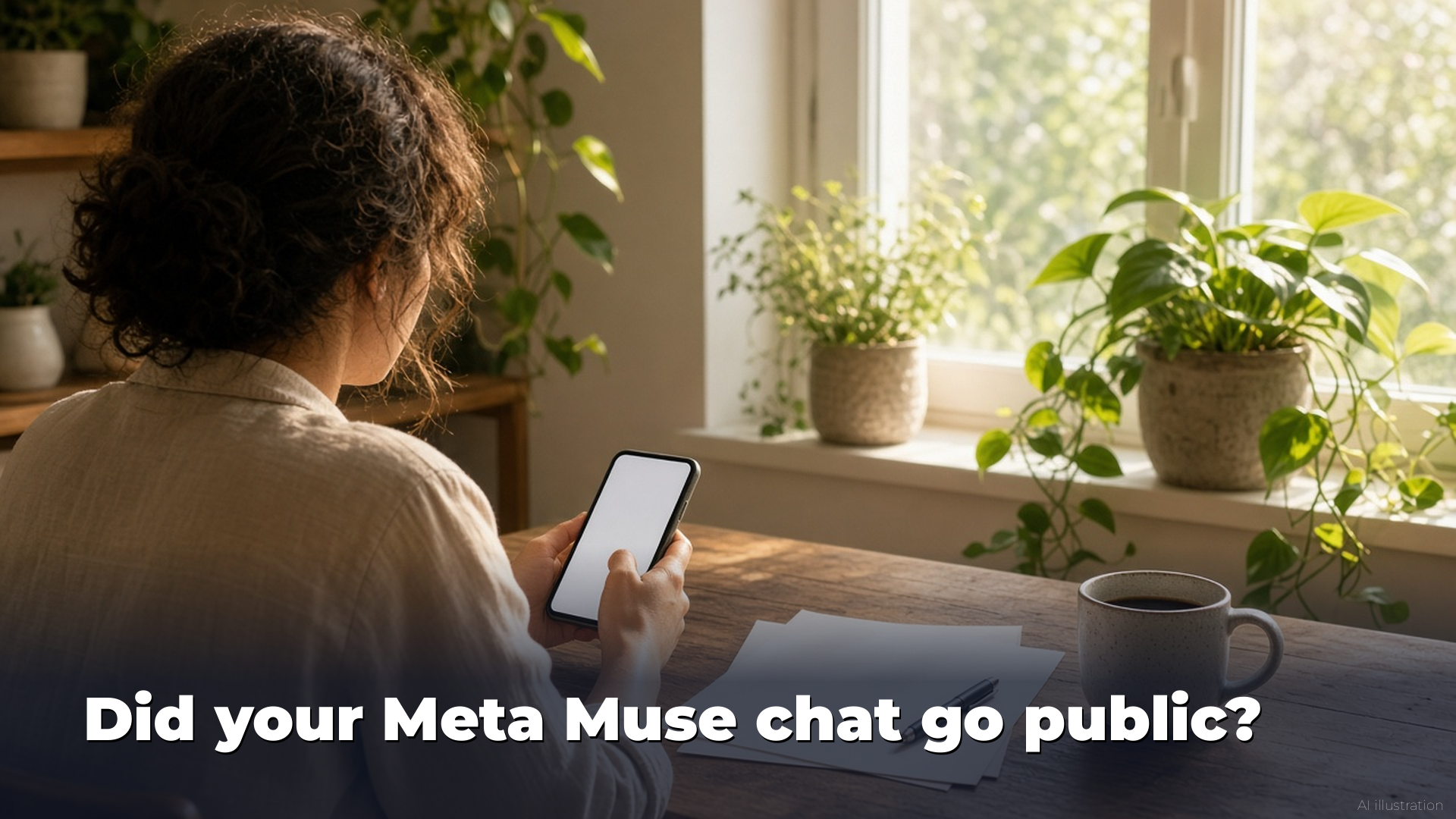
Picture a small-business owner at the kitchen table. She asks her AI helper to tidy up a loan application, then taps "share" to send it to her accountant.
It feels like handing over a sealed envelope. For some people using Meta's new Muse assistant, the envelope had its subject written on the outside, and strangers could find it.
The lesson is simple: treat any share link from an AI helper as public.
What happened
Muse is the AI (artificial intelligence) agent Meta launched on September 8. It can fill out forms, book appointments and make purchases. To do that, it asks for access to most of your accounts.
Like many apps, Muse let you share a conversation as a web link. Anyone with the link could open the page, no login needed. That part was by design.
The problem was how the links were built. According to security firm Claroc, Muse put the conversation's title inside the web address, followed by a random code. Claroc's made-up examples look like "loan-application-draft" plus a string of letters and numbers.
When someone opens a link, their device looks up that address in the DNS (Domain Name System), the internet's phone book. Some commercial services record those lookups and let people search them. So once a share was opened, its full address, title and code included, could end up in a searchable list.
Claroc says one search turned up more than 6,800 Muse share links. It opened only a few hundred. Most were harmless. A minority were not. By category only, they included:
- a small-business owner's loan application, with the amount requested
- a national marketing company's revenue review, marked for its CEO (chief executive officer)
- a to-do list with a bank fraud alert and a partial account number
- a workplace's full-year staff vacation calendar
Claroc says it did not contact the people involved and has no evidence anyone misused the pages.
What Meta said
Claroc says it reported the problem through Meta's bug bounty program, which invites outside researchers to report flaws, on October 8.
Ars Technica asked Meta about it, and Meta said it was pausing the feature. Muse spokesperson Tracy Clayton told The Verge: "People have the ability to share specific Muse artifacts, which creates a page that can be accessed by those with the link. However, we've paused this functionality while we review this report and consider changes to how these links can be discovered."
Both outlets reported the pause on October 20. That day, Claroc says, it rechecked 40 shares and none opened. The old addresses, titles included, are still in those lookup records.
This is not only a Muse problem. The Verge notes that shared chats from ChatGPT, Claude and Grok have turned up in Google Search before.
And Muse is big. On Meta's earnings call on October 21, CEO Mark Zuckerberg said it has more than 10 million users.
Ink, not pencil: Meta has paused sharing, and the pages Claroc rechecked no longer open. Still unknown: how long each link was reachable, whether anyone else found them first, and how sharing will work when it returns. The 6,800 figure is Claroc's own count. Claroc sells tools that watch for this kind of sharing.
What you can do
A share button looks friendly, but it can turn a private note into a public page. The more an assistant can see, the more a careless share can reveal. A few habits help with any AI app:
- Assume a share link is public, even if you sent it to one person. Meta's help page for Meta AI says people with a link can see the conversation, the link "doesn't expire," and they can pass it on, Claroc notes.
- Keep private details out of titles. Names, account numbers and words like "loan" or "salary" can travel further than the page itself.
- Check what you've already shared. In ChatGPT, for example, OpenAI says you can go to Settings, then Data controls, then Shared links and tap Manage to see and delete old links (OpenAI help). Look for a similar list in any AI app you use.
- Don't paste in the sensitive stuff. OpenAI's own advice: keep health information, financial details, passwords and account numbers out of anything you share.
- For work, ask first. Check whether your employer allows the tool before you paste in company numbers.
What's next
Meta says it is reviewing the report and considering changes to how links can be found. It has not said when sharing will return. Until then, the oldest rule still works: if you wouldn't pin it to a public noticeboard, don't put it in a share link.